Payments
How to estimate after-tax Stripe revenue on your Mac
Estimate how much Stripe revenue remains after a chosen percentage set-aside, using an example and PayBar’s Mac menu bar tax setting.
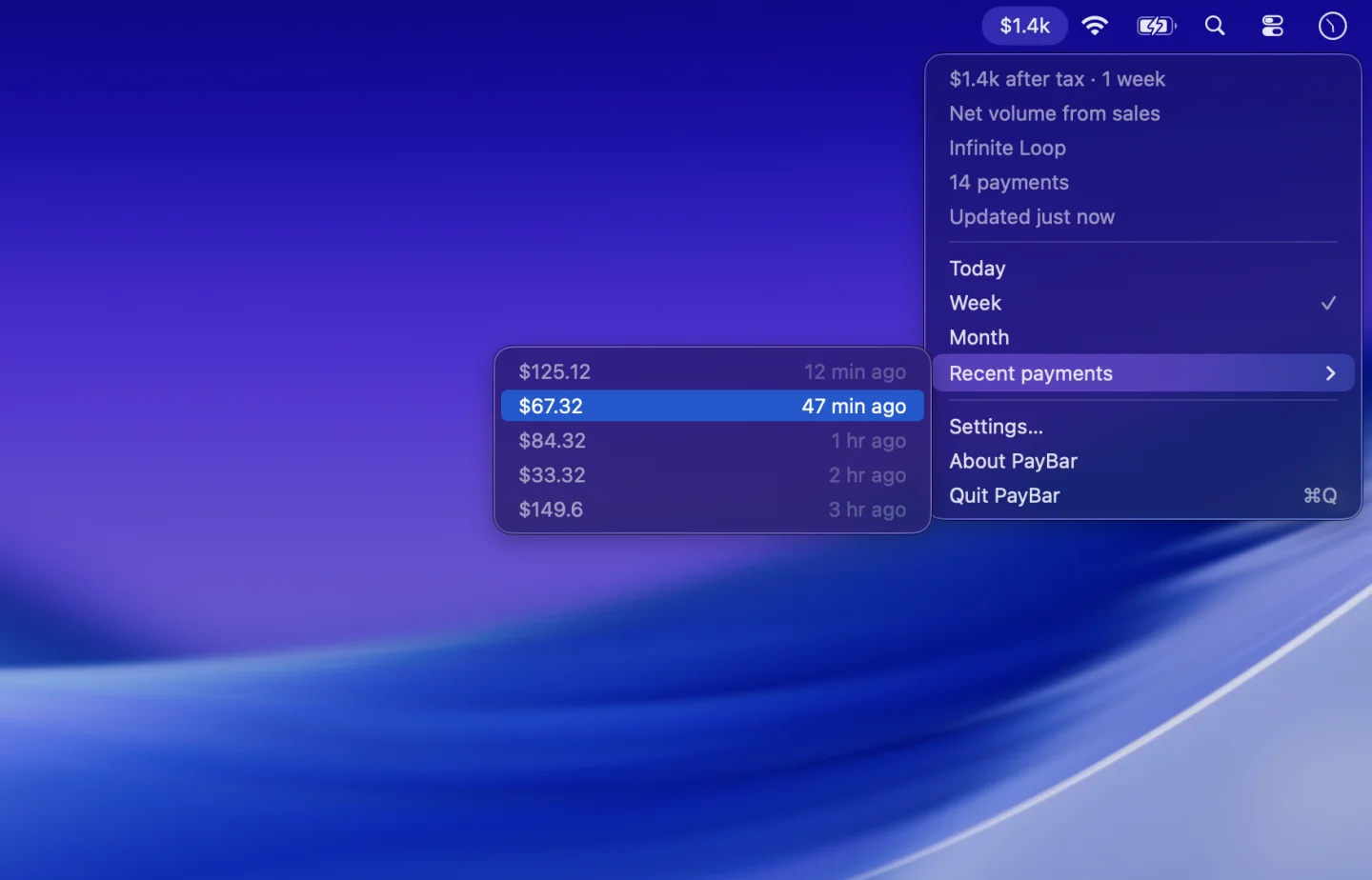
If you check business revenue throughout the day, it can be helpful to see an amount after a chosen percentage set-aside. PayBar offers a local display setting that applies your own percentage to supported monetary Stripe figures. It is an estimate for planning—not a calculation of your actual tax liability or a payment of tax.
Start with net Stripe sales
To illustrate the difference, imagine a payment total of $1,000 and sales-related fees and refunds that reduce it to $900, before operating expenses and taxes. The $900 represents the example net sales total, not your taxable profit. The gross vs net volume guide explains which sales transactions PayBar counts.
Calculate a percentage set-aside
With net sales of $900 and an illustrative rate of 20%, you would allocate $180 and display $720 remaining. The arithmetic is:
- Estimated set-aside = $900 × 20% = $180.
- Estimated amount remaining = $900 − $180 = $720.
This percentage is an arbitrary example, not a recommended rate. Try the Stripe net revenue calculator using your fees, refunds and a rate of your choice. The calculation does not have to access your Stripe account.
Show your estimate in PayBar
- Click PayBar in the menu bar, choose Settings → General and select Net volume from sales.
- Choose a range such as Today, Week or Month to date.
- Open the Tax tab in Settings. Enable Set aside tax and type your own percentage into the Rate field.
- Check the menu bar. Monetary metrics will use the percentage set-aside instead of showing the unadjusted amount. Turn off Set aside tax any time to view the original figure.
The rate is applied to monetary display values, including recent payment amounts when applicable. It does not change counts, rates or actual transactions in Stripe. If display currency conversion is enabled, PayBar converts the amount before applying your chosen percentage.
Why an estimate is not your tax bill
PayBar does not automatically account for expenses, deductions, progressive income tax rates, sales taxes, GST, VAT or the rules that apply to your business. It does not file tax returns, move money, create reserves, or interact with Stripe Tax settings. Stripe has a separate Stripe Tax product for sales tax, VAT and GST workflows. Consult a qualified tax professional or your applicable tax authority when determining your actual obligations.
PayBar on your Mac
A 24-hour free trial will be available when online checkout opens.
Launch details